Why can't I update the Client ID in Panther when configuring a Slack Bot alert destination?
Last updated: January 7, 2026
QUESTION
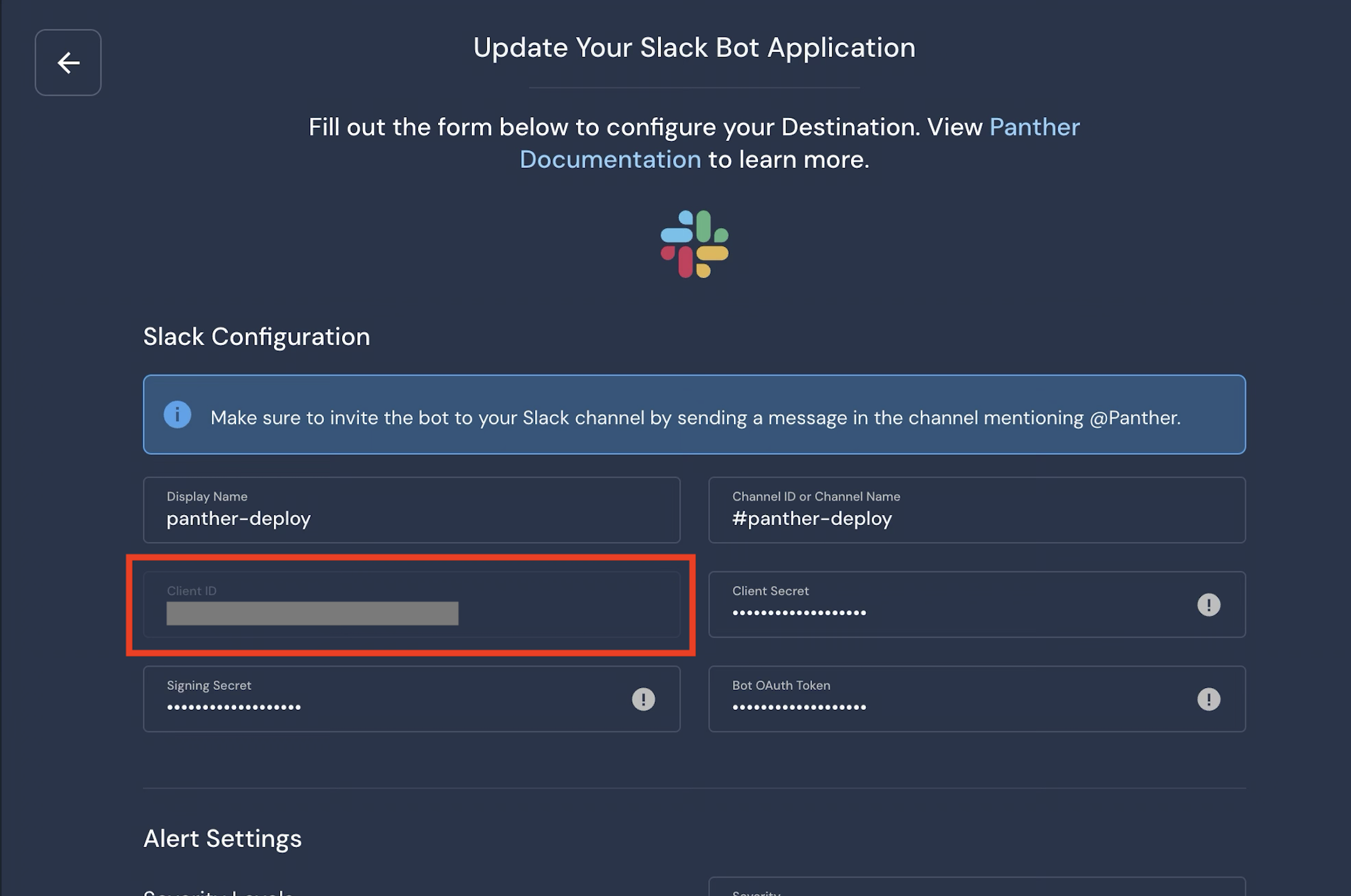
Why do I see the Client ID field grayed out when configuring or editing a Slack Bot alert destination in Panther?
ANSWER
The Client ID is generated by Slack and is read-only in Panther. It’s shown for reference only and cannot be edited, pasted over, or replaced, which is why the field appears grayed out.
If your Slack bot was recreated or moved to a new workspace, the Client ID will change. In that case, you’ll need to deleted the old Slack Bot alert destination and create a new one in Panther using the new Slack app credentials.
Reminder: After creating a new Slack Bot alert destination, make sure to invite the Panther bot to the target Slack channel using /invite @Panther.