How do I perform complex alert searches and bulk comment on alerts in Panther?
Last updated: June 12, 2026
QUESTION
How do I search alerts using multiple criteria, and how do I add a comment to multiple alerts at once?
ANSWER
Complex Alert Searches
The Alerts page search bar does not currently support complex, multi-criteria searches (e.g., searching for alerts containing both "denied okta" and "workday" in the log). It is limited to simpler searches such as alert title or rule ID matching.
For more advanced queries, use the Search page or Data Explorer to query the Signals.Alerts table directly. This allows you to filter alerts using multiple criteria.
Bulk Commenting on Alerts
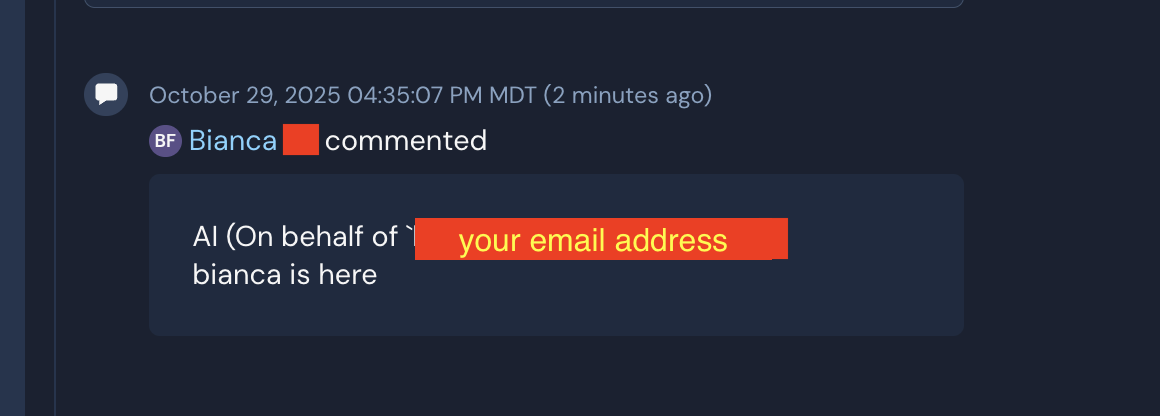
You can bulk comment on multiple alerts using Panther AI. Simply provide a prompt such as: "Bulk comment '<your comment here>' for the first 3 alerts"
Panther AI will apply the comment to the specified alerts.
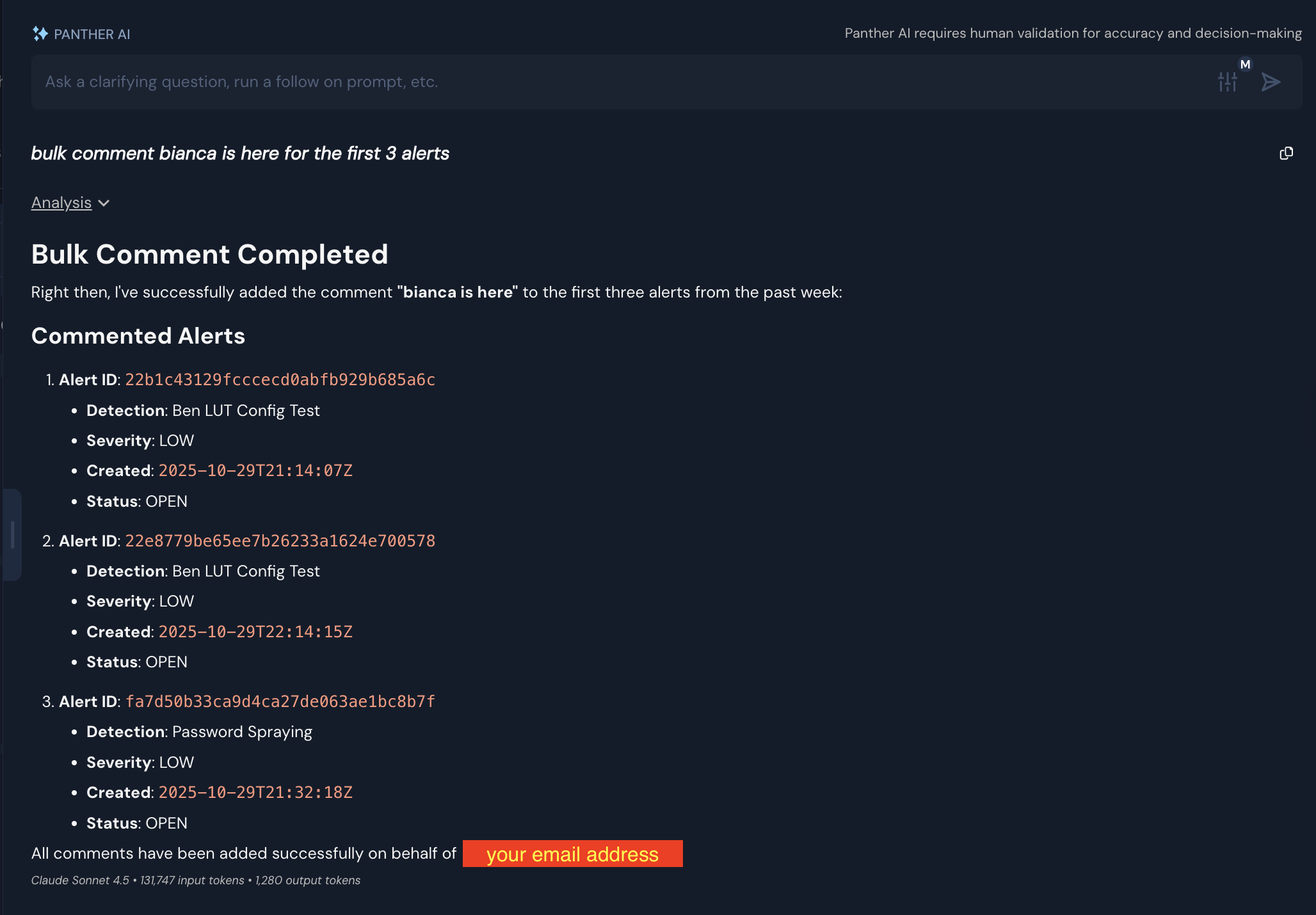
The result will look something like this: