How can I Safely Rename Slack Channels Used as Panther Alert Destinations?
Last updated: April 8, 2025
Question
Can I rename a Slack channel that's used as a Panther alert destination without losing alerts?
ANSWER
Yes, you can safely rename Slack channels used for Panther alerts. The process differs depending on your Slack destination type:
For Slack Webhook Destinations
When using a Slack Webhook Destination, you can safely rename the channel as the webhook URL remains unchanged. To do this:
Rename your Slack channel
Update the Display Name in Panther's Destination settings (optional, as this doesn't impact alert delivery)
For Slack Bot Destinations
For Slack Bot Destinations, we recommend setting the Channel ID instead of Channel Name in your configuration. The Channel ID remains constant even when the channel name changes, ensuring uninterrupted alert delivery.
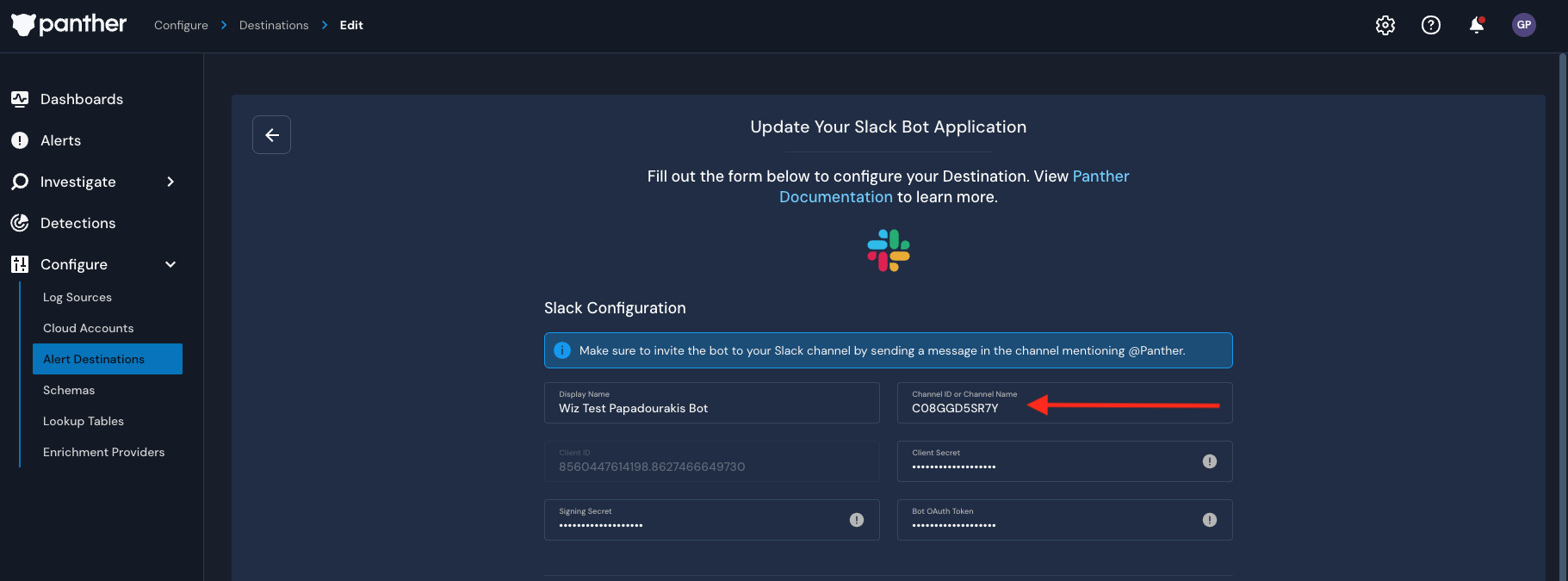
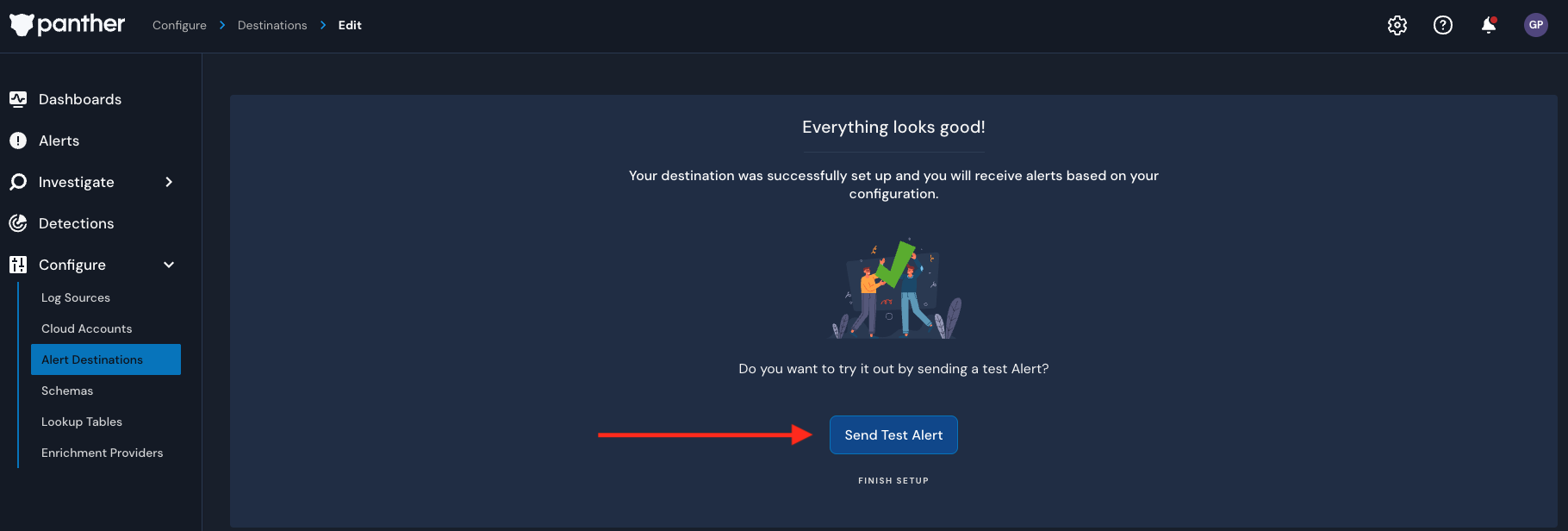
Please note that you can verify the delivery this at different stages
While editing:
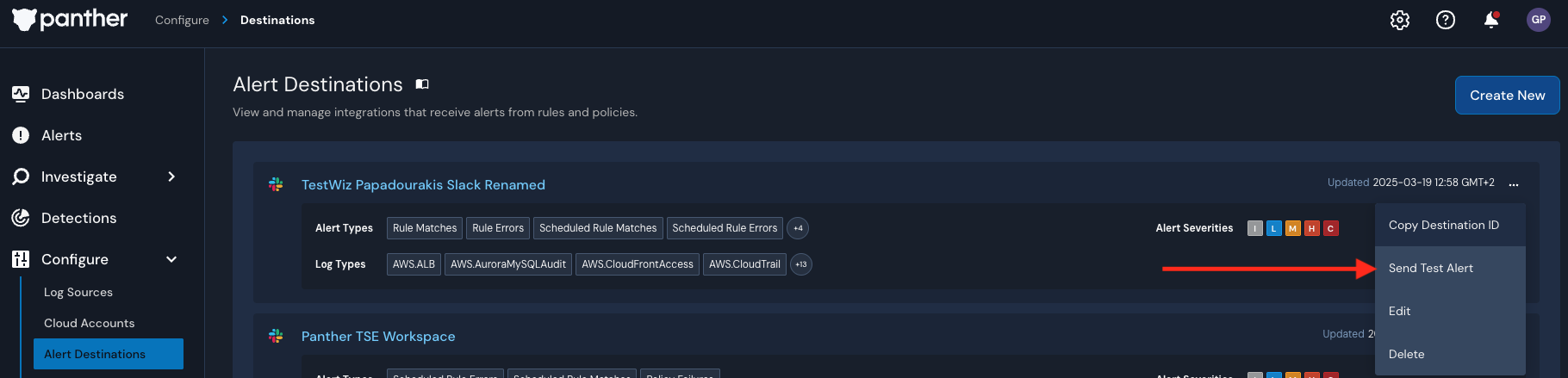
or after completing the rename:
Alert Delivery Protection
Panther includes several safeguards to prevent alert loss:
Automatic retry for failed alert deliveries
System Health Alerts if delivery failures exceed thresholds
Manual alert resend capability if needed
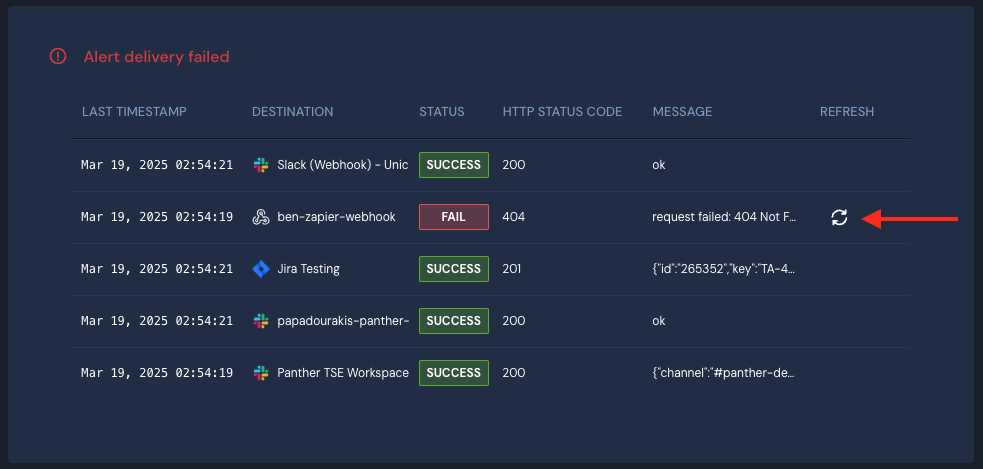
For more information about alert delivery failure handling, see Panther's Alert Delivery Failure Policy.