Case Sensitivity in Panther UI Search
Last updated: July 10, 2025
Question
How do I perform case-insensitive searches in Panther's UI?
Answer
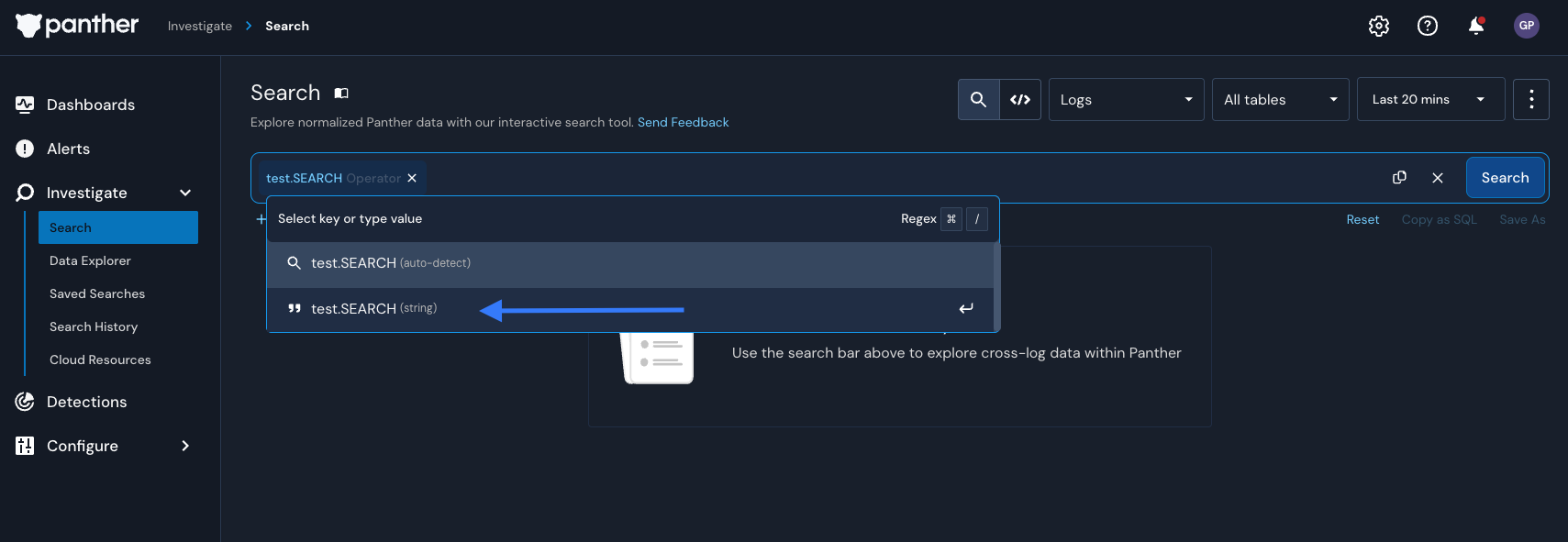
By default, Panther's UI search is case-sensitive when using the "is" operator or auto-detected filters. However, you can perform case-insensitive searches by manually selecting the "string" type in your search filter chips instead of using auto-detect filters. Panther will use a ROW_ILIKE operator behind the scenes. This allows for case-insensitive matching across the full event
Note: The current case-sensitive behavior with auto-detect filters is designed for performance reasons. The engineering team is reviewing this behavior to potentially make case-insensitive matching the default when appropriate in future versions.