Can I exclude AWS regions from Cloud Security Scanning in Panther?
Last updated: March 30, 2026
QUESTION
When onboarding a Cloud Account in Panther, I'm receiving System Errors like WAFRegional.ListWebAcls: AccessDeniedException for regions blocked by our AWS Organization's Service Control Policies (SCPs). How do I stop them?
ANSWER
These System Errors are Cloud Security Scanning Failures, generated when Panther's PantherAuditRole attempts to enumerate resources in an AWS region that the SCP denies.
To stop the errors, exclude the blocked regions from Cloud Security Scanning:
In the Panther console, navigate to your Cloud Accounts configuration.
Open the Advanced Options for the relevant account and locate the Exclude AWS Regions dropdown.
Select the SCP-blocked region(s) (e.g.
ap-southeast-2) and save.
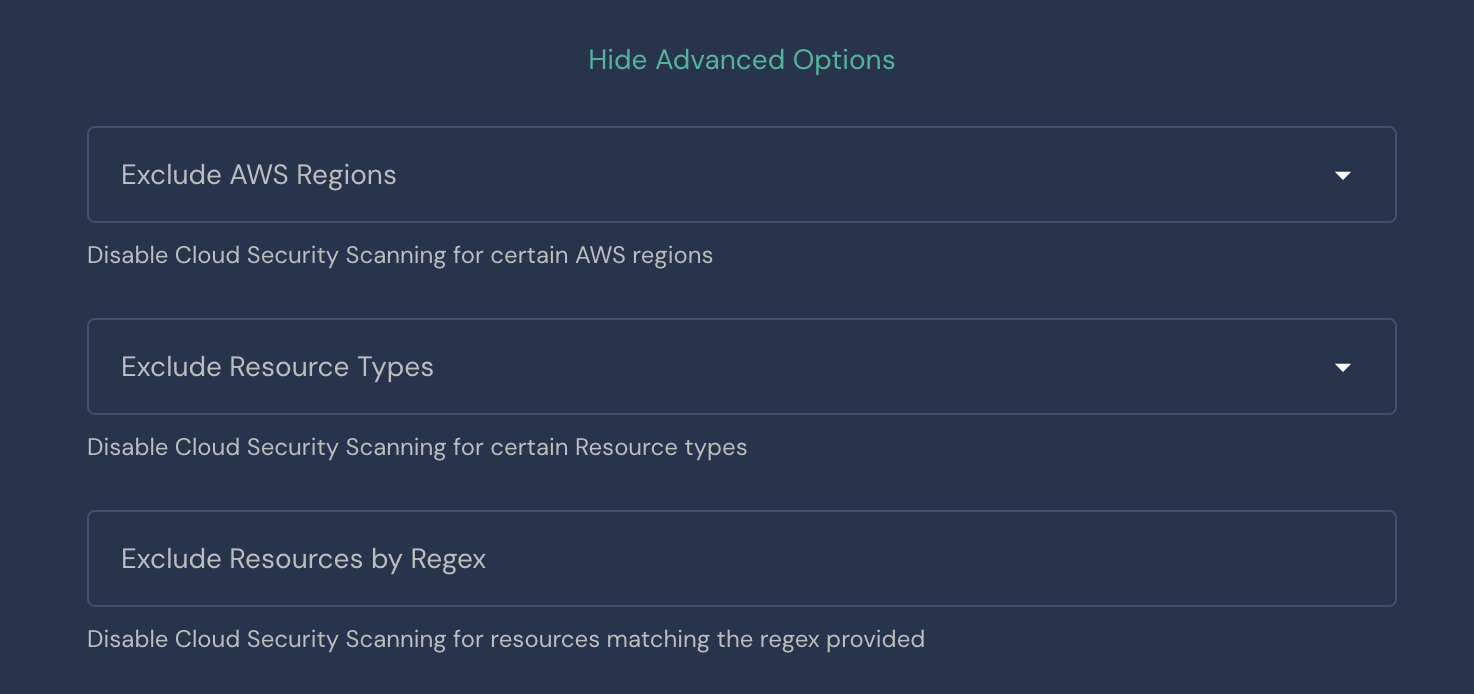
Once saved, PantherAuditRole will skip those regions entirely on the next daily scan, and the System Errors will stop firing.
For more details, see Panther's Cloud Security Scanning documentation and the System Errors reference for Cloud Security Scanning Failures.