How do I resolve the error "Required String parameter 'RelayState' is not present" when logging in to Panther via OneLogin or Okta?
Last updated: November 4, 2025
Issue
When trying to log in to the Panther Console using OneLogin or Okta SSO, it gives the error like Invalid RelayState or Required String parameter 'RelayState' is not present.
Resolution
IdP-initiated login
In the step "Obtain the Okta SSO parameters from Panther":
Ensure you copy the Relay State value, in addition to the Audience and ACS Consumer URL values.
In the step "Create the Panther application in Okta":
In the SAML Settings section, configure the following under General:
Default RelayState: Paste the Relay State value you copied from the Panther Console in Step 1. If using SP-initiated login, leave this value blank.
Single sign-on URL: Paste the ACS Consumer URL value you obtained in the Panther Console in Step 1.
Audience URI (SP Entity ID): Paste the Audience value you obtained in the Panther Console in Step 1.
SP-initiated login
It's recommended to use SP-initiated login, as it is generally considered more secure than IdP-initiated login.
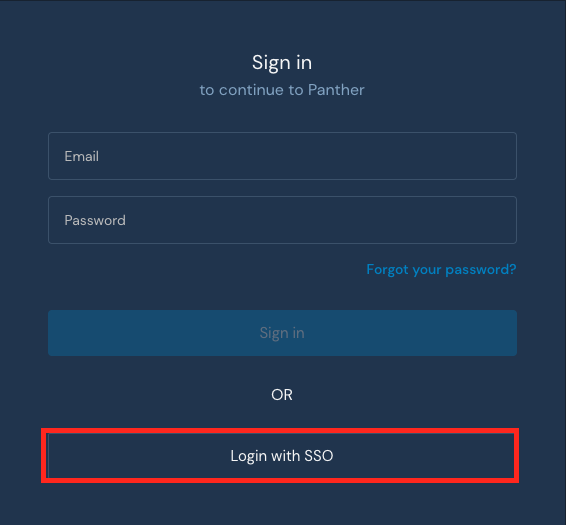
When configuring SP-initiated Single Sign-On (SSO) using OneLogin or Okta SSO, you should not set a RelayState parameter as Panther does not require it. The RelayState parameter is not needed since there aren't different post-authentication redirect locations within Panther. You can use the SP-initiated SSO login flow by using the "Login with SSO" link on your Panther Console login page.
Cause
There is a limitation on logging in directly from OneLogin or Okta app/extension (IdP-initiated login flow).