How can I split a string event into multiple events using PantherFlow?
Last updated: December 11, 2024
QUESTION
How can I split a string event into multiple events using PantherFlow?
ANSWER
To split a string event into multiple events using PantherFlow, you can use the strings.split() function. This approach allows you to extract individual string parts from a single string value and create separate fields for each part.
We should first check the string format of the values we want to split and figure out the pattern.
In our example, we will split the eventID wherever there's a hyphen - character.
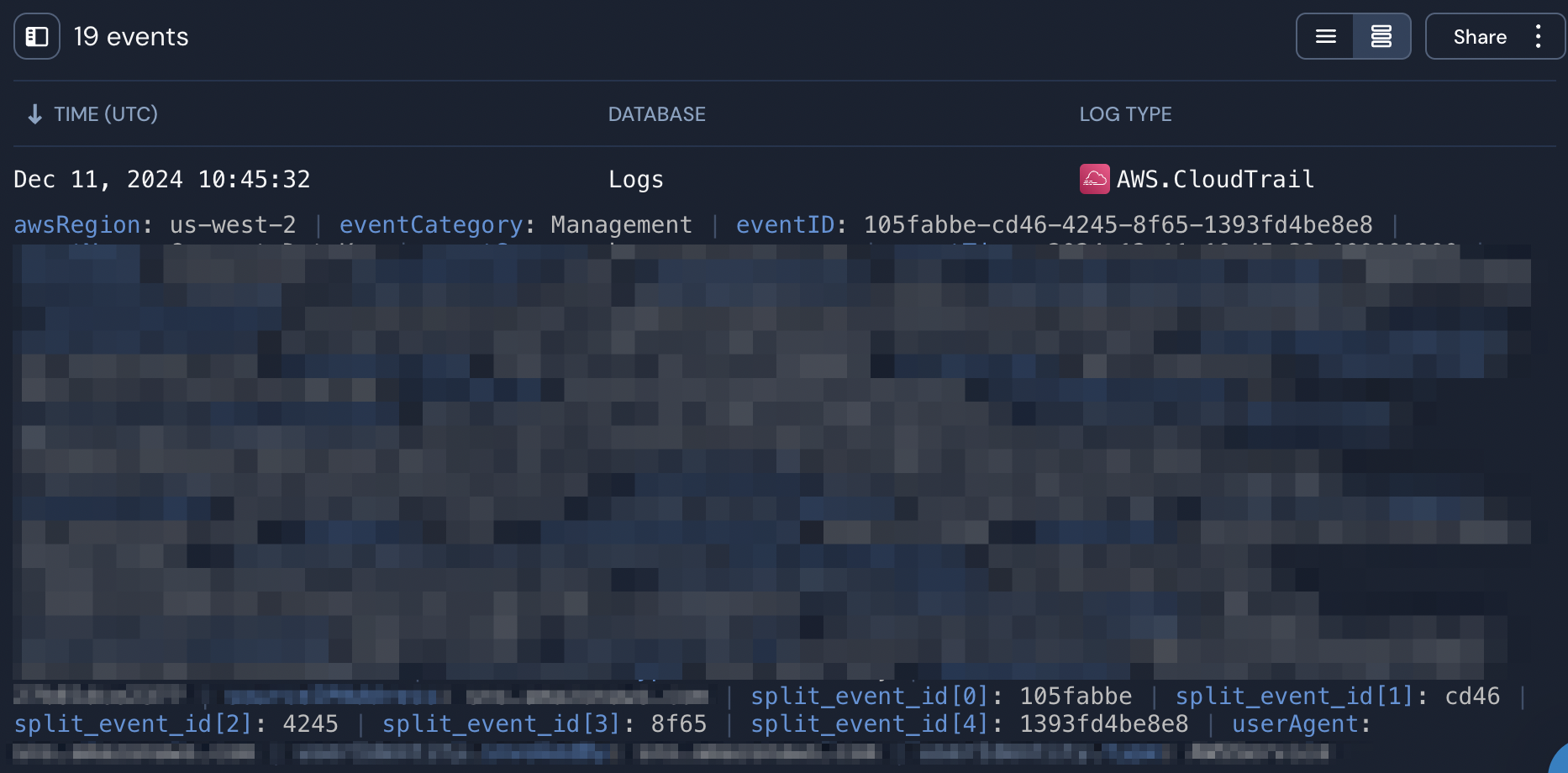
eventID: 105fabbe-cd46-4245-8f65-1393fd4be8e8To split this value into parts we will run the PantherFlow query below:
panther_logs.public.aws_cloudtrail
| where p_event_time > time.ago(30m)
| extend split_event_id = strings.split(eventID, '-')
The outcome will be the below:
For more information on using the PantherFlow functions feel free to check the Panther documentation.