My Panther Overview dashboard crashes when I select a long timeframe
Last updated: May 22, 2025
Issue
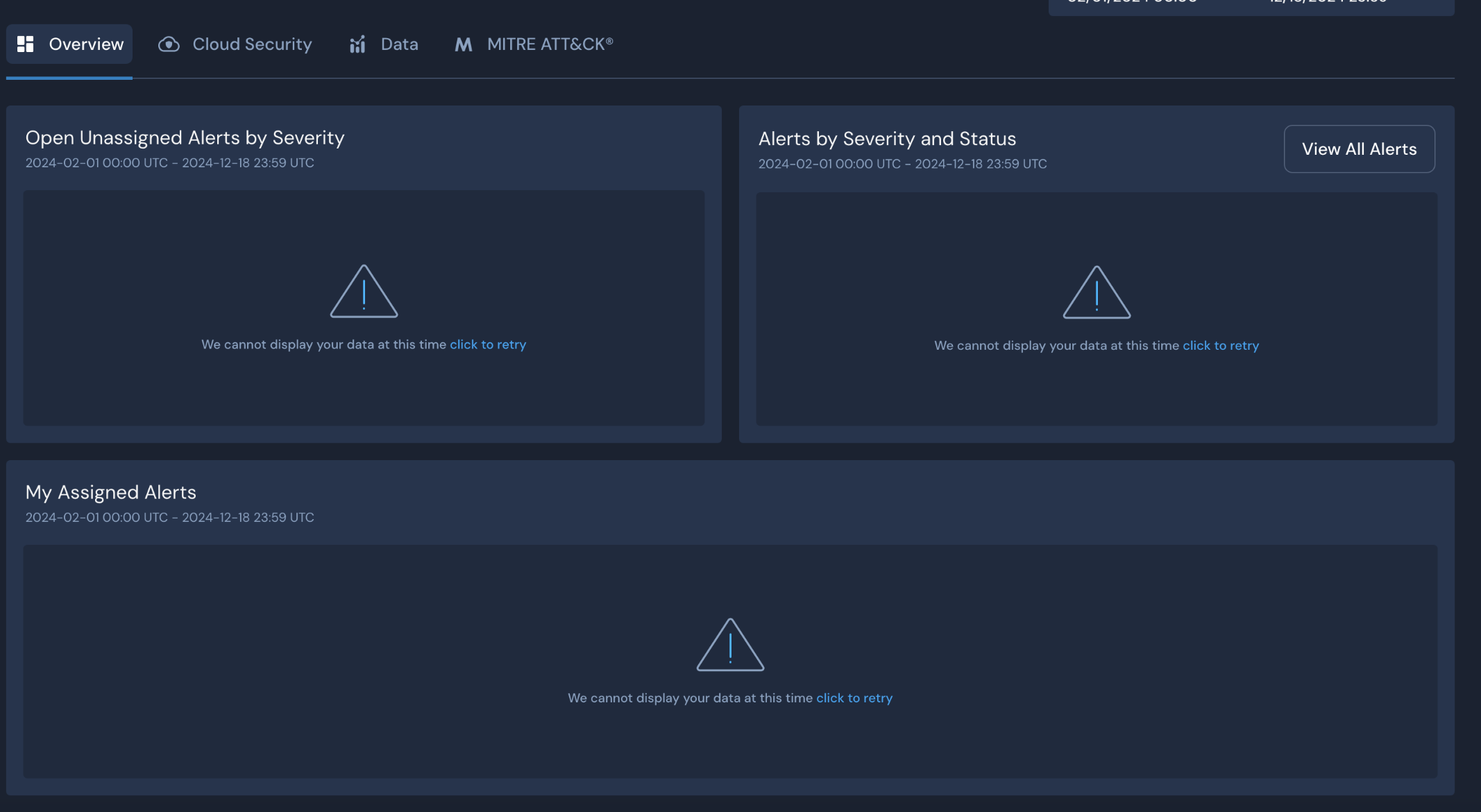
My Panther Overview dashboard is showing "We cannot display your data at this time" when I select a relatively long date range (e.g., one month).
Resolution
To resolve this issue, there are two different solutions you could try:
Reduce the time range: Try loading the dashboard with a smaller time frame, such as 24 hours or one week.
Use PantherFlow for visualization: When you need to use the longer time range, try to use a PantherFlow query to generate the visualization you'd like to view (e.g., of alert data). Here's an example query:
| extend bucket=time.trunc('day', p_event_time)
| summarize alert_count=agg.count() by bucket, p_alert_severity
| sort bucket asc
| visualize line xcolumn=bucket, ycolumn=alert_count, legend=right, title="Count of Alerts by Severity Over Time"
When running this query:
Set the database dropdown picker to "Signals"
Set the table dropdown picker to "Alerts"
Set the time picker to your desired time frame
Optionally, change 'day' to 'week' in the
time.truncfunction for a more condensed view
Cause
This issue stems from the current storage method for alert data in Panther, which relies on DynamoDB. While optimized for fast retrieval of individual records, it can be slow when running aggregation queries over large datasets. As a result, loading dashboard overviews for extended time periods with high alert volumes may time out or fail to process efficiently.
Using PantherFlow can improve this process slightly and may help retrieve the data. If you’re still experiencing issues, please reach out to Panther Support.