How can I transform "(at)" email values to "@" in Panther
Last updated: November 6, 2024
How can I transform "(at)" email values to "@" in Panther
If your log sources contain email addresses in a non-standard format (e.g., "name(at)domain.com"), you can use Panther's script parser to transform these into standard email addresses and ensure they are properly recognized as p_any_emails indicators.
ANSWER
Suppose your log contains an event like this:
jane.doe(at)panther.com2. Custom Schema with Script Parser
Create a custom schema using the following script parser:
parser:
  script:
    function: |
      def parse(log):
          # Split the log line by spaces
          parts = log.split(" ")
          # Initialize an empty dictionary
          event = {}

          # Replace (at) with @ in the actor's email
          actor = parts[0].replace('(at)', '@')
          event['actor'] = actor

          return event

fields:
  - name: actor
    type: string
    indicators:
        - email
3. Result
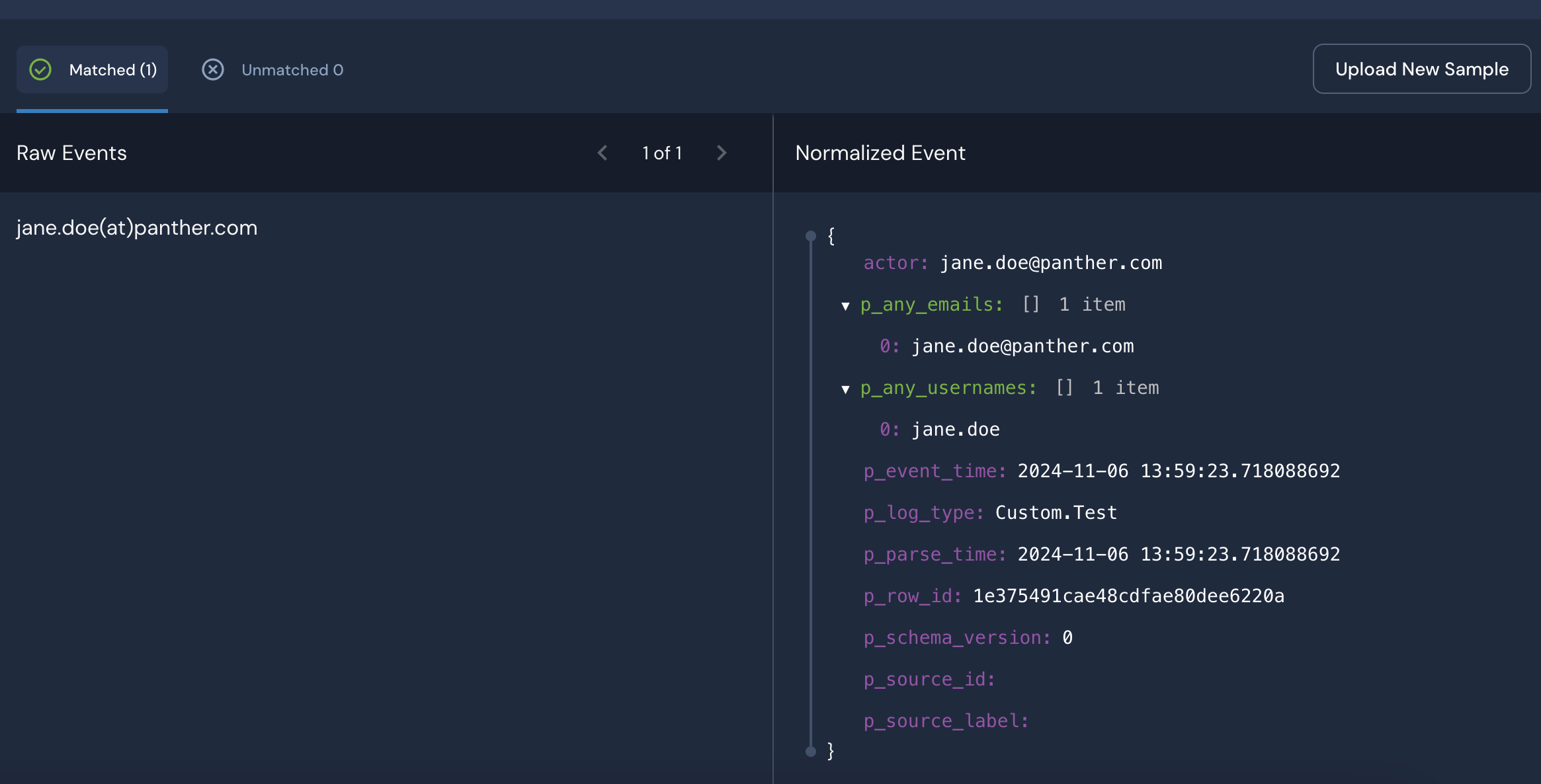
After parsing, the email address will be correctly transformed into the standard email form. You can also specify the value as an email indicator and populate it to the p_any_emails indicator. (Panther will automatically extract additional indicators such as usernames)